


Life at sea is demanding. Physical rehabilitation can feel even more daunting when you’re working long shifts, living away from home, and managing recovery in a challenging environment.
On The Mend On The Ship is designed to support seafarers wherever they are in their rehabilitation journey.
Our digital platform puts you at the centre of your care, helping you stay active, engaged, and in control of your physical rehab, no matter where your work takes you.

Get started with the On The Mend Pro app
Creating your account is as simple as 1, 2, 3 and can be done directly from your mobile device.
Step 1: Download the app
Search for "On The Mend Pro" on the Apple App Store or Google Play Store and download the app to your phone or tablet.
Step 2: Create your account
Open the app and follow the on-screen steps to create your account in just a few steps.
Step 3: Answer a questionnaire
Share some details about the pain you are experiencing so your care can be tailored to you and your role at sea.
Once you’re signed up, you’re ready to connect with a healthcare professional and begin your rehabilitation.


01
Start signing up
When you open the app for the first time, tap "Sign up". If you haven’t received an invitation code by email, select the “No” option.

02
Enter basic details
Enter a username, email, mobile telephone and password.
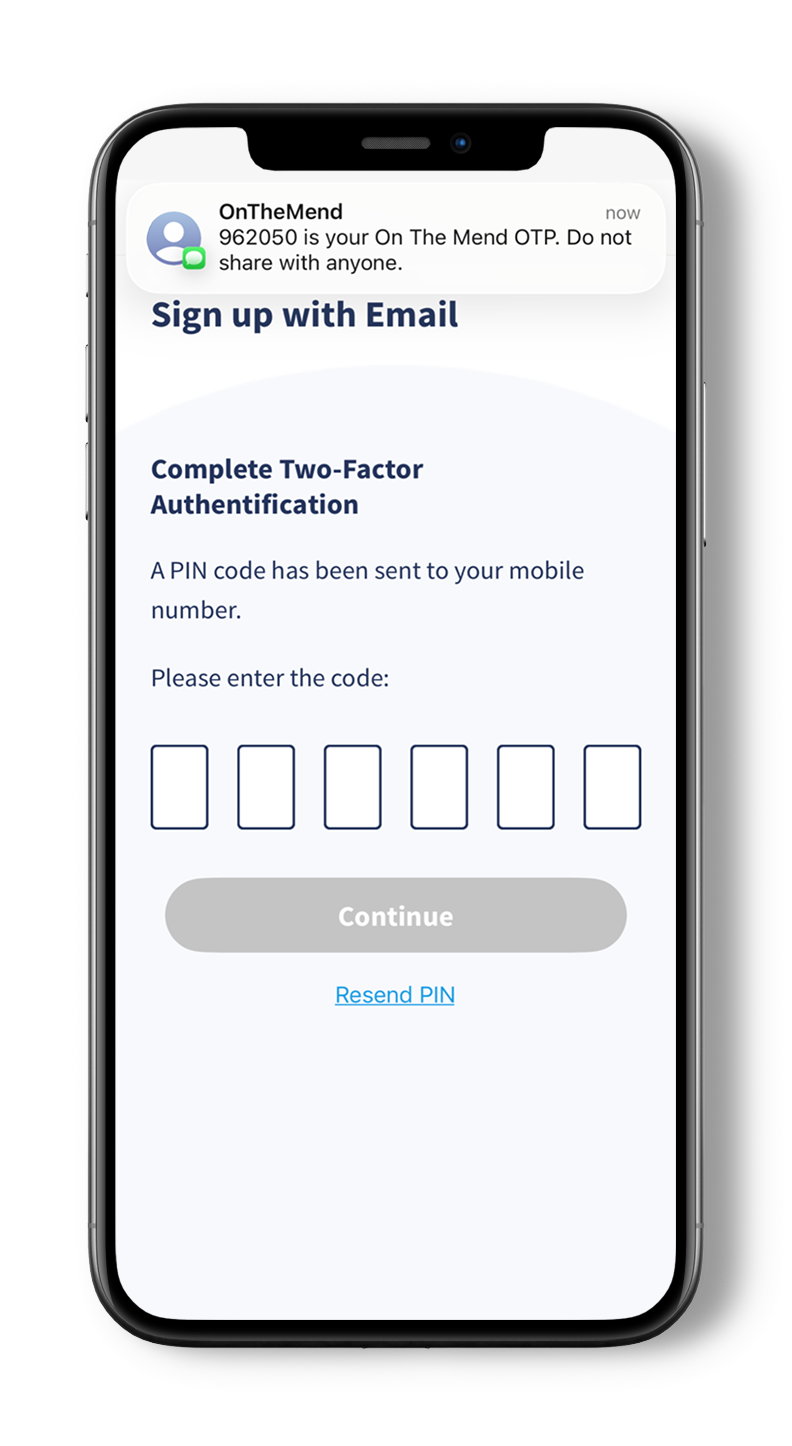
03
PIN code by text
Receive a PIN code to verify your identity.

04
Activation code
Receive an activation link via email.
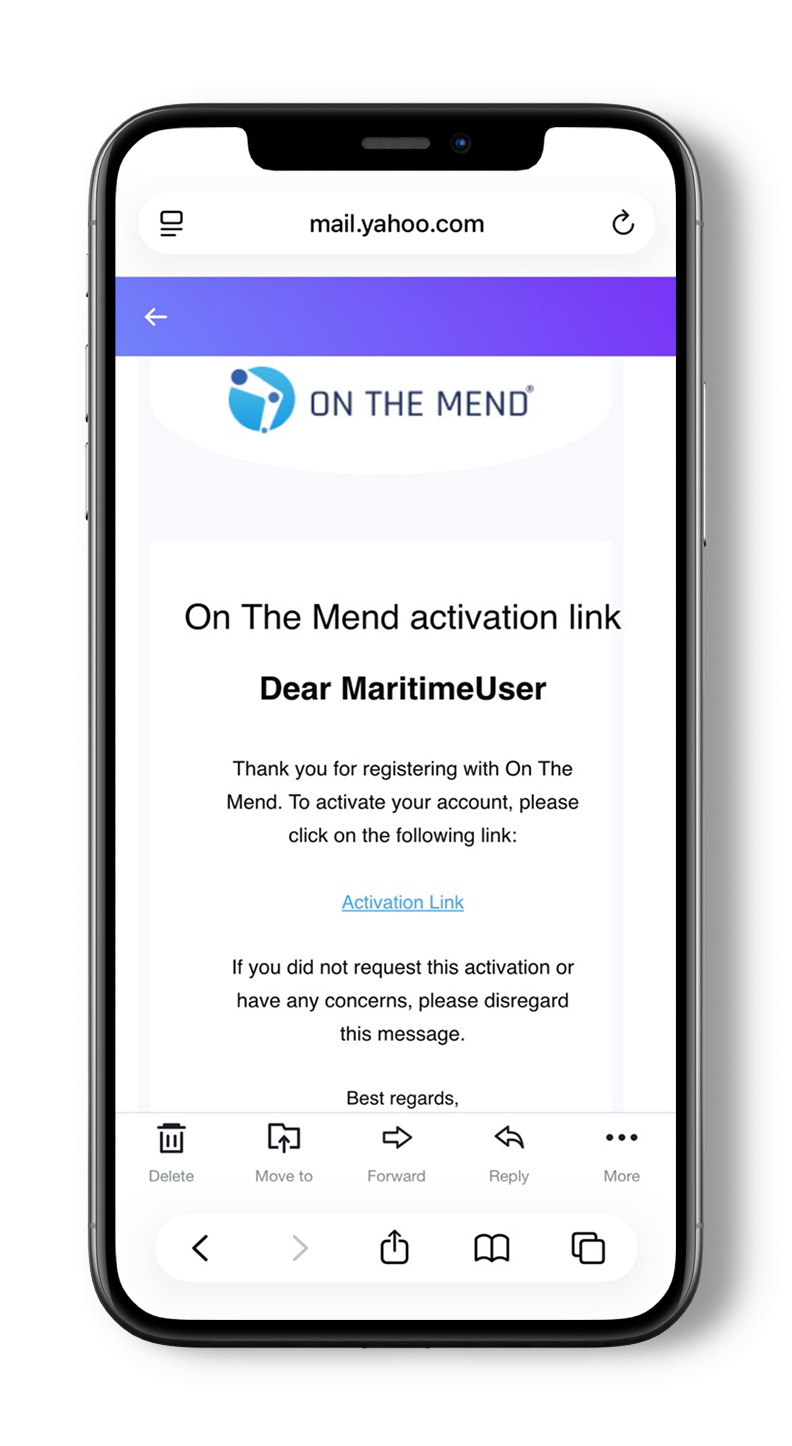
05
Tap the activation code
Tap the activation link in your email on the device where the app is installed.

06
You're done!
You’re now signed up!
Connect with a healthcare professional
On The Mend On The Ship makes it easy to connect with the right healthcare professional, wherever you’re based.
Find your healthcare professional
Search for your company-approved or assigned healthcare professional directly within the app.
Send a connection request
With one tap, send a connection request to start receiving personalised treatment and guidance.
Start your treatment programme
Once connected, your healthcare professional can prescribe exercises, share education, and monitor your progress remotely - supporting your recovery even while you’re at sea.


01
"My Treatment" section
To connect with a company-approved or assigned healthcare professional, go to the ”My Treatment” section at the bottom of the app.

02
"My Rehab Team" section
Then enter the ”My Rehab Team” section.

03
Add healthcare professional
Then tap ”Add healthcare professional”.

04
Search by name or email
Enter the first three characters in the name or email address of your
healthcare professional.

05
Send connection request
Tapping "Connect" sends a connection request to your healthcare professional.

06
Joining your rehab team
Your healthcare professional joins your rehab team after accepting your request.
Video guides
Get started with On The Mend Pro in no time!
Sign up

Connect

Start treatment

Download the app

